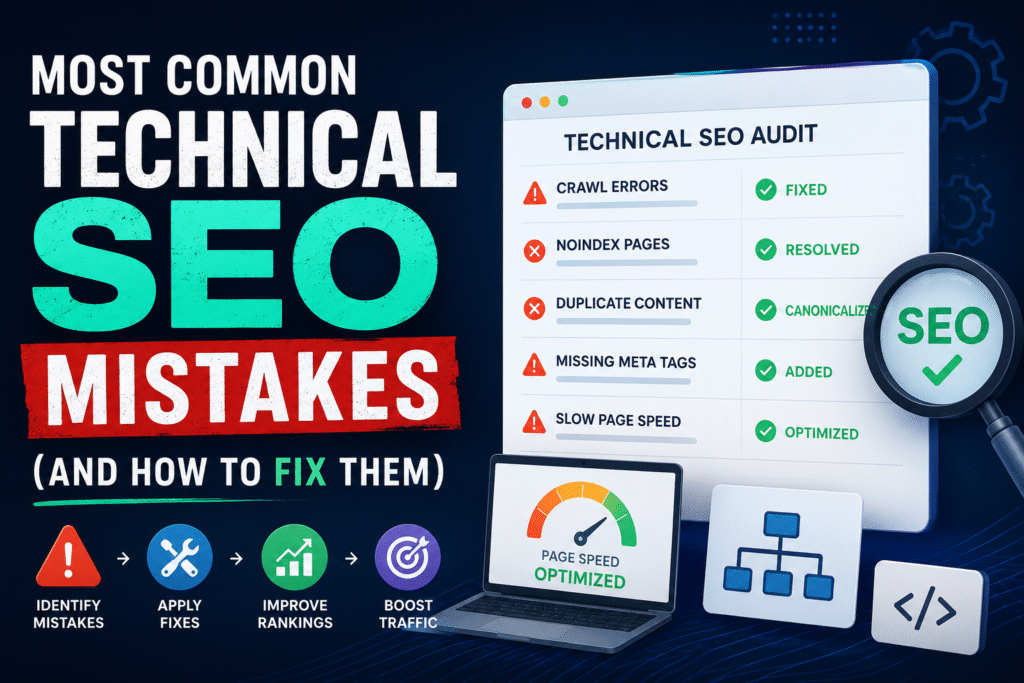
Technical SEO is the foundation of any site that ranks well. You write great content, build strong backlinks, and still see flat results. More often than not, a technical issue is the reason why. These mistakes are widespread, and many site owners do not know they exist until rankings drop or traffic stalls.
Here are the most common technical SEO mistakes, what causes them, and what to do about them.
Crawl Errors That Block Search Engines
If Googlebot cannot access your pages, those pages do not rank. Crawl errors include broken internal links, misconfigured robots.txt files, and server errors like 500 responses. Many sites have dozens of orphaned pages that crawlers never reach simply because no internal link points to them.
Start by checking Google Search Console under the Coverage report. Look for pages with “Excluded” or “Error” status. Fix broken links, remove disallow rules that are blocking important pages in robots.txt, and make sure your sitemap is up to date.
A common mistake is accidentally blocking CSS or JavaScript files in robots.txt. Google needs to render your pages fully to understand them. Blocking these resources gives Google an incomplete view of your content.
Slow Page Speed
Page speed is a direct ranking factor, especially on mobile. A slow site loses rankings and users at the same time. Google has made Core Web Vitals a part of its ranking signals, which means load time, visual stability, and interactivity all affect where you appear in search results.
Run your site through Google PageSpeed Insights or GTmetrix. Common culprits include uncompressed images, render-blocking JavaScript, missing browser caching, and hosting on a slow server.
Compressing images with WebP format, enabling lazy loading, and moving to a faster hosting environment are high-impact fixes. Do not overlook server response time (TTFB). Even well-optimized assets cannot compensate for a server that takes two seconds to respond.
Duplicate Content Across Multiple URLs
Search engines see different URLs as different pages. If your site serves the same content on multiple URLs, like example.com/page and example.com/page?ref=sidebar, you split your ranking signals across both. Neither version gets full credit.
This happens from URL parameters, session IDs, HTTP vs HTTPS versions, www vs non-www versions, and trailing slashes. Each combination is a potential duplicate in Google’s eyes.
Fix this with canonical tags. Add a rel=”canonical” tag pointing to the preferred version of each page. Also set up proper 301 redirects to consolidate your preferred domain protocol (HTTPS, www or non-www) and keep it consistent across the entire site.
Missing or Broken XML Sitemap
Your XML sitemap tells search engines which pages exist and when they were last updated. A missing sitemap means Google relies entirely on crawling to find your content. A broken or outdated sitemap includes pages that no longer exist, which wastes crawl budget.
Submit your sitemap in Google Search Console and check it regularly. Remove pages that redirect or return errors. Make sure the sitemap only includes pages you want indexed.
Large sites with thousands of pages should use sitemap index files to organize multiple sitemaps. Each sitemap should stay under the 50,000 URL limit.
Poor Mobile Optimization
Google uses mobile-first indexing. It crawls and indexes the mobile version of your site, not the desktop version. If your mobile experience is degraded, your rankings suffer for all users.
Common mobile issues include text that is too small to read without zooming, clickable elements placed too close together, content wider than the screen, and interstitial pop-ups that block the main content.
Use Google’s Mobile-Friendly Test to check specific pages. Fix viewport configuration, ensure font sizes are readable, and space out interactive elements. Pop-ups that cover the main content on mobile are against Google’s guidelines and lead to ranking penalties.
HTTPS Not Properly Implemented
HTTPS is a confirmed ranking signal. Sites still running on HTTP lose a small but real ranking advantage. More importantly, browsers now mark HTTP sites as “Not Secure,” which reduces trust and increases bounce rate.
Many sites switch to HTTPS but fail to redirect HTTP URLs correctly. If both versions of your site are accessible, you have a duplicate content problem on top of the mixed content issue.
Set up 301 redirects from HTTP to HTTPS for every URL. Check for mixed content warnings, which appear when a secure page loads resources (images, scripts, stylesheets) over HTTP. Update all internal links to use HTTPS.
Thin or Unindexed Pages Wasting Crawl Budget
Every page Google crawls costs crawl budget. When you have hundreds of thin pages, like tag archives, filtered product pages, or low-value pagination pages, Google spends time on them instead of your important content.
Use noindex tags on pages that have no SEO value. This includes internal search result pages, duplicate filtered URLs, login pages, and thank-you pages. Do not delete them, just tell Google not to index them.
For large e-commerce or news sites, crawl budget becomes a real constraint. Audit your site for thin content pages and make a decision: improve them, consolidate them with canonical tags, or noindex them.
Broken Internal Links and Redirect Chains
Broken internal links return 404 errors and lose link equity. Redirect chains, where one URL redirects to another, which redirects to another, slow down crawlers and dilute PageRank with each hop.
Run a site crawl with a tool like Screaming Frog or Ahrefs Site Audit. Both will surface 404 errors, redirect chains, and redirect loops. Fix broken links by updating them to point to the correct destination. Flatten redirect chains to a single 301 redirect.
Pay close attention after site migrations. Many redirect chains are leftovers from previous versions of a site that were never cleaned up.
Missing or Poorly Written Title Tags and Meta Descriptions
Title tags are still one of the strongest on-page signals Google uses to understand what a page is about. Missing title tags, duplicate title tags across multiple pages, and title tags that do not include the target keyword are common technical mistakes.
Meta descriptions do not directly affect rankings, but they affect click-through rate. A well-written meta description increases the number of users who click your result.
Every page should have a unique title tag that includes the primary keyword close to the beginning. Keep titles under 60 characters to avoid truncation in search results. Write meta descriptions under 160 characters and make them useful and specific.
Structured Data Errors
Structured data (schema markup) helps Google understand your content and display rich results like star ratings, FAQs, and product prices in search. Many sites implement schema incorrectly or leave validation errors that prevent rich results from appearing.
Use Google’s Rich Results Test to check your structured data. Common errors include missing required properties, incorrect schema types, and markup that does not match the visible content on the page.
Add structured data to high-value pages first: product pages, articles, local business information, FAQs, and reviews. Make sure the schema matches what users see on the page. Google does not reward hidden or misleading structured data.
Ignoring Log File Analysis
Most SEOs never look at server log files. Log files show exactly which pages Googlebot crawls, how often, and whether it encounters errors. This data is more accurate than any third-party tool because it comes directly from your server.
If Google is spending most of its crawl budget on pages that do not matter, your important content gets crawled infrequently. Log file analysis shows you this problem directly.
Request log files from your hosting provider and open them in a tool like Screaming Frog Log Analyzer or Splunk. Look for pages Google visits frequently versus pages it rarely or never visits. Use this data to improve internal linking to undercrawled pages and to noindex low-value pages that eat crawl budget.
What to Do Next
Technical SEO problems compound over time. A duplicate content issue gets worse as you publish more content. A slow site gets slower as you add more plugins and images. A crawl error left unresolved means pages stay unindexed for months.
Start with a full technical audit. Use Google Search Console, a crawl tool like Screaming Frog, and PageSpeed Insights together. Build a prioritized list of issues sorted by impact. Fix the problems that affect the most pages or the most important pages first.
Technical SEO is not glamorous work, but it is the reason some sites rank with average content while others stay buried with great content. Getting the technical foundation right gives everything else you do a better chance of working.